Getting Started with WATCH4ME
New to tools like this? No problem. This guide takes you from zero to your first AI summary — and then to a pipeline that runs without you.
Real Transcription
No auto-captions: every video runs through our own speech-to-text processing in studio quality — in English, German, French, Spanish and more.
Analysis & Distillation
Distills every transcript into a summary, key topics and signals — guided by the focus you set, so you only read what matters to you.
Webhook Delivery
Automatically deliver processed insights to your CRM, knowledge base or custom applications via secure, reliable webhook endpoints.
Sign In
Open the app and sign in with Google, or with the email you were invited on. The first time, WATCH4ME asks three quick questions about your topics, your rhythm and matching channels — you can skip them too. Then you'll see the sidebar: Dashboard, Content Library, Schedules, ASAP Mode, Notifications and Webhooks.
Add a Video
Hit Quick Add — the “+” in the top bar — and paste a YouTube URL. The video lands in your Content Library right away.
Transcribe It
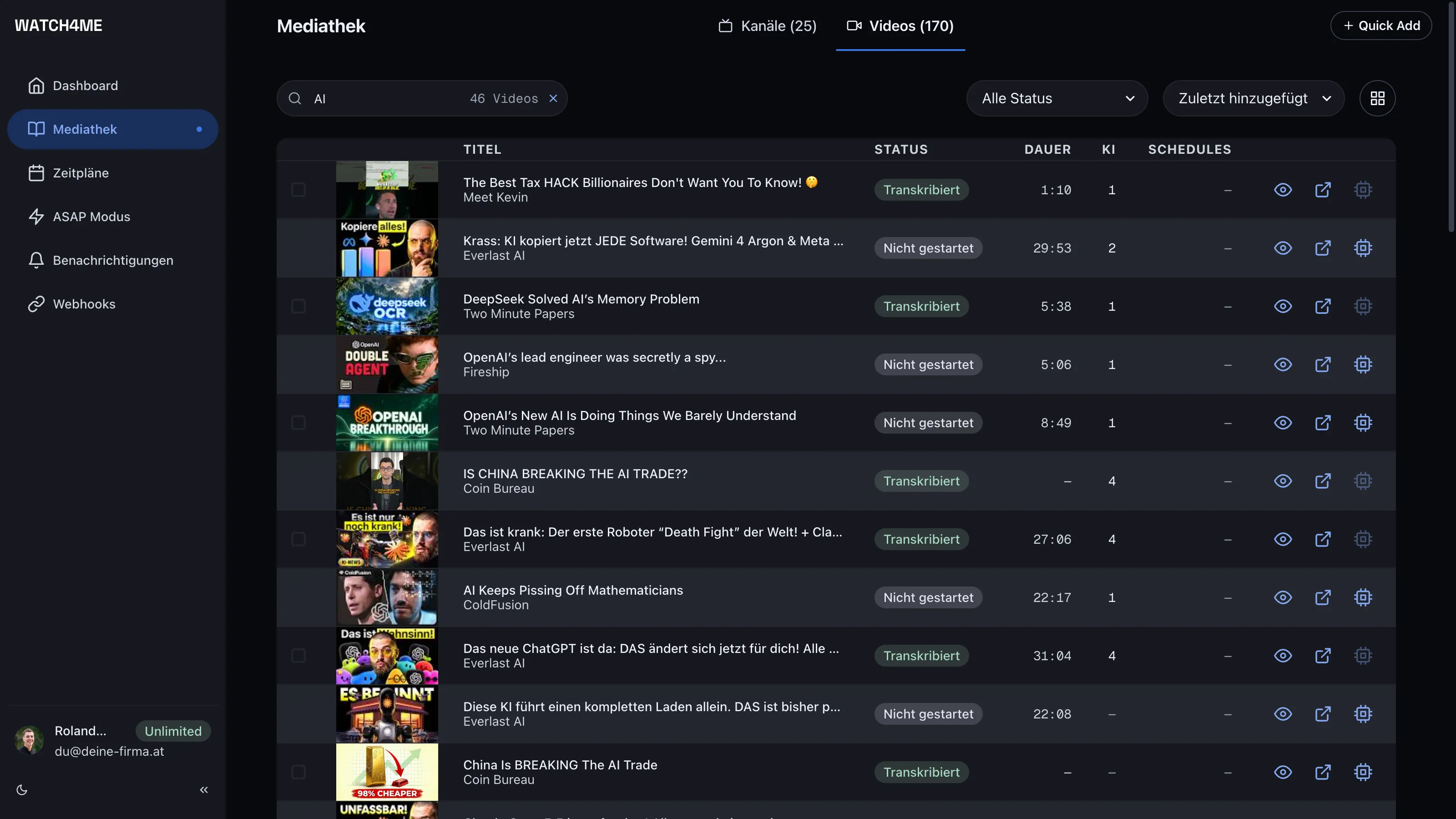
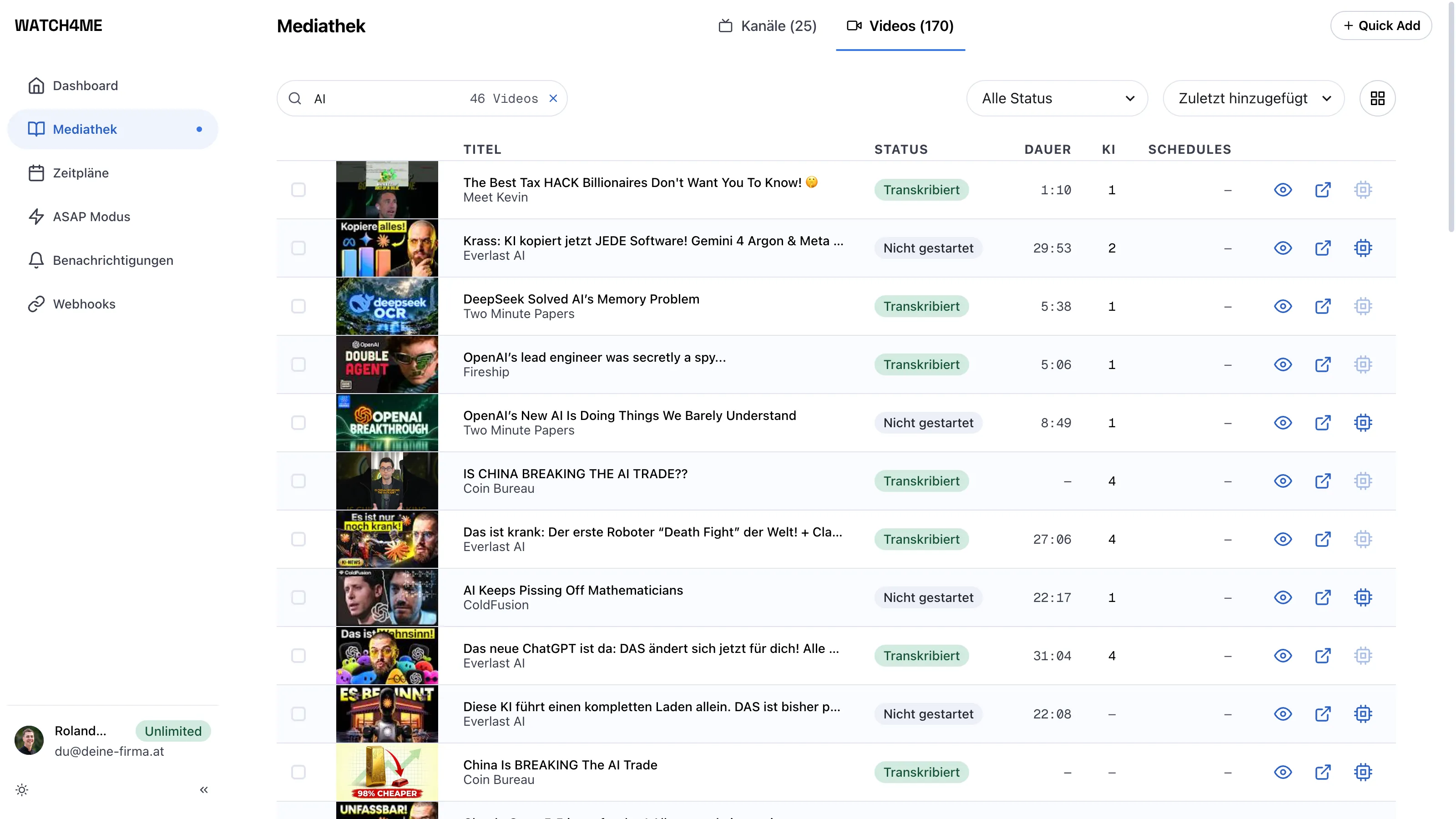
From the Content Library, request a transcript. WATCH4ME pulls the audio and generates accurate, searchable text. The status flips to Transcribed when it's done.
Summarize with AI
Once a video is transcribed, choose Process and you get a summary, key topics and insights you can read or reuse — written to the focus in your prompt templates.
Monitor a Whole Channel
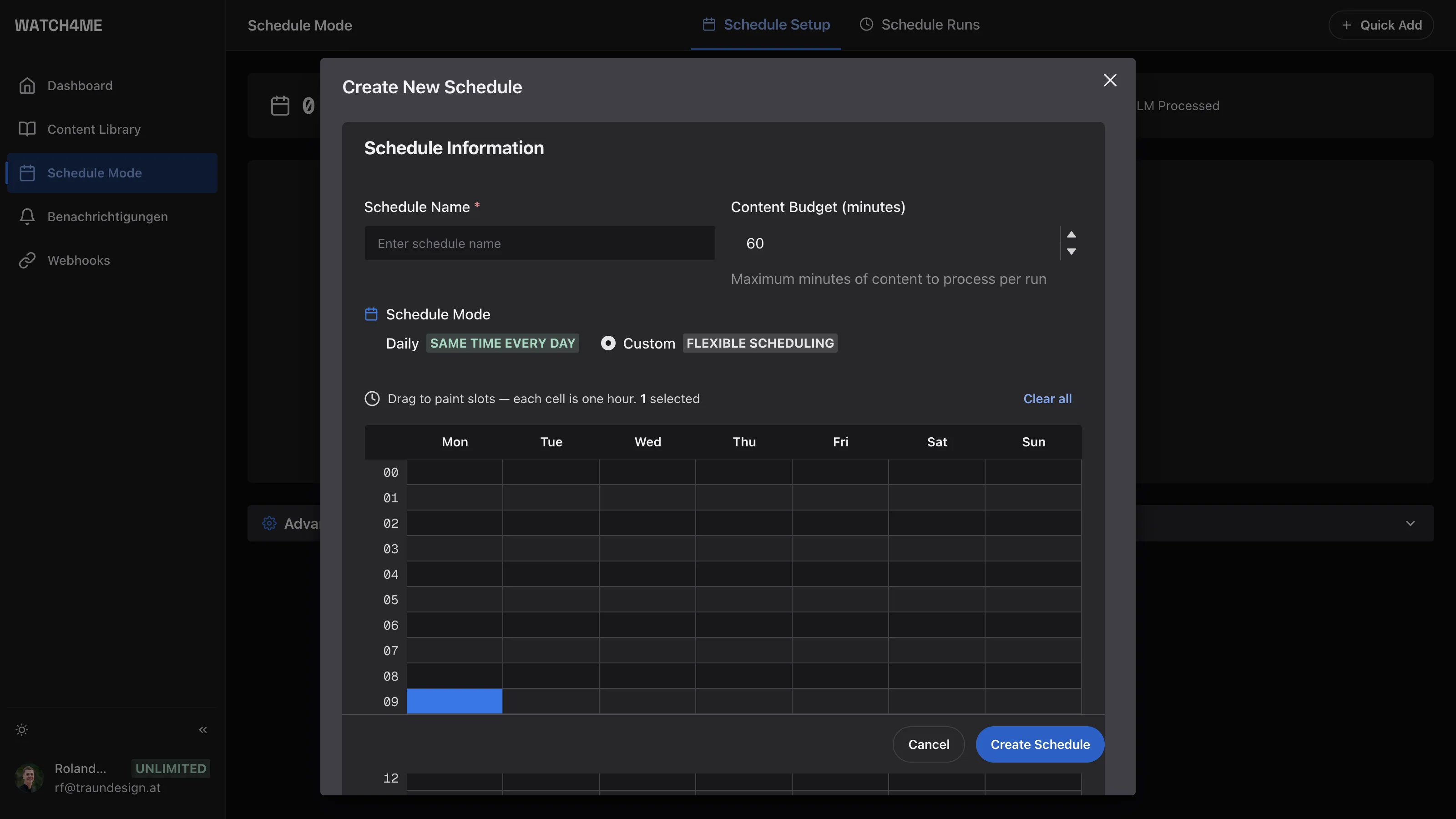
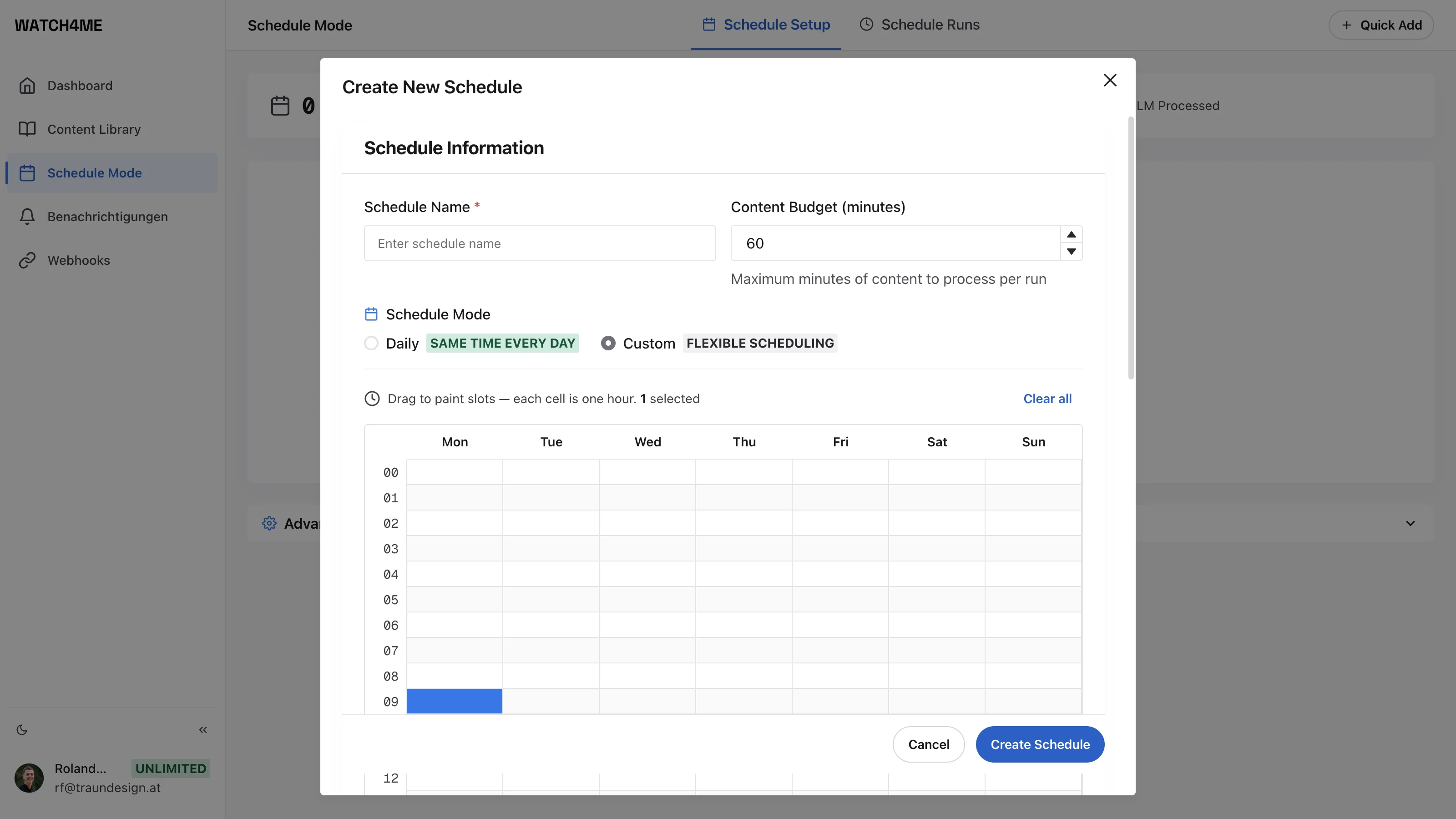
Rather than adding videos one at a time, open Schedule Mode, add a channel and set how often WATCH4ME should check it. New uploads are transcribed and analyzed on their own.
Get Results by Email, Telegram or in Your Tools optional
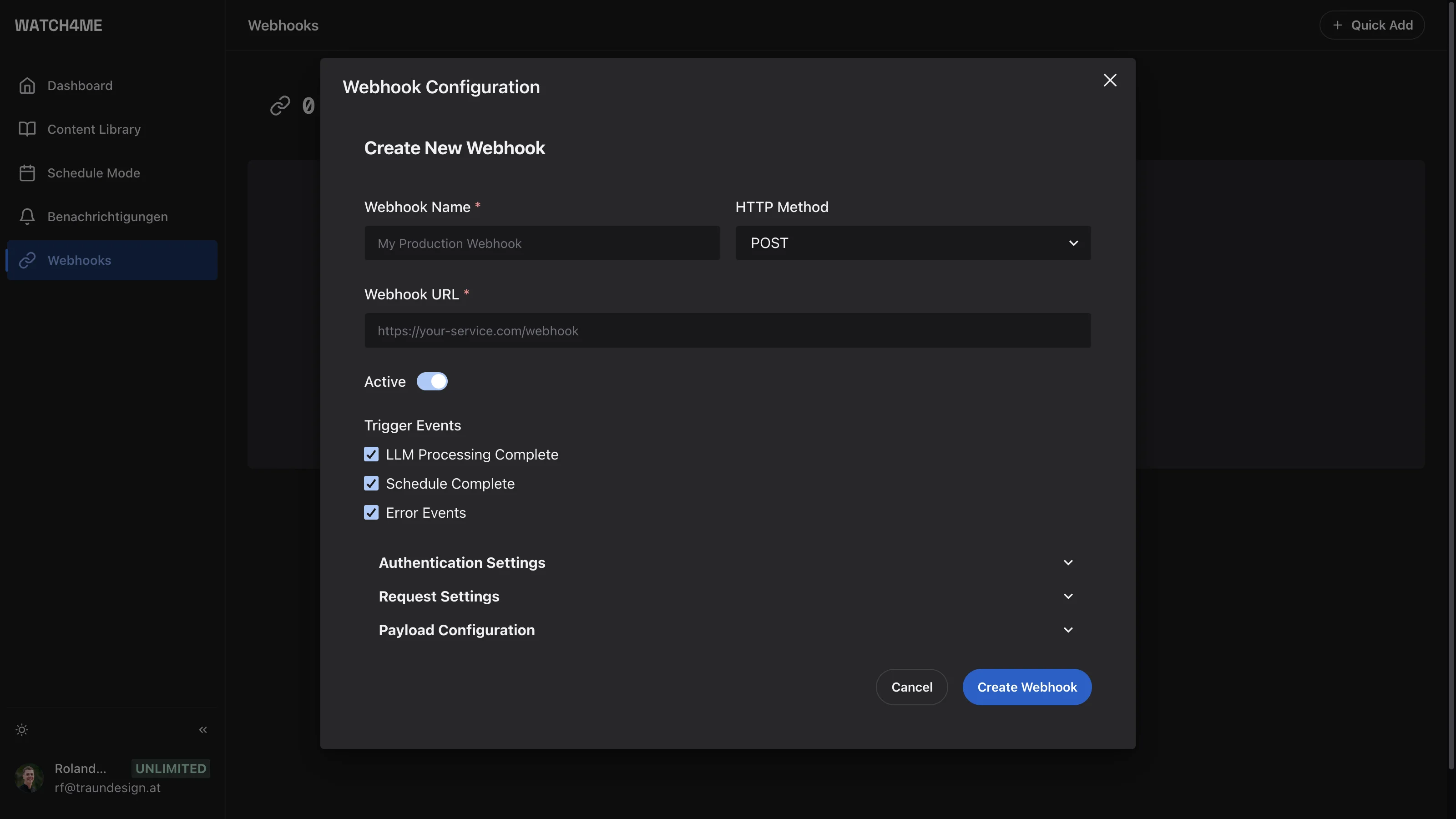
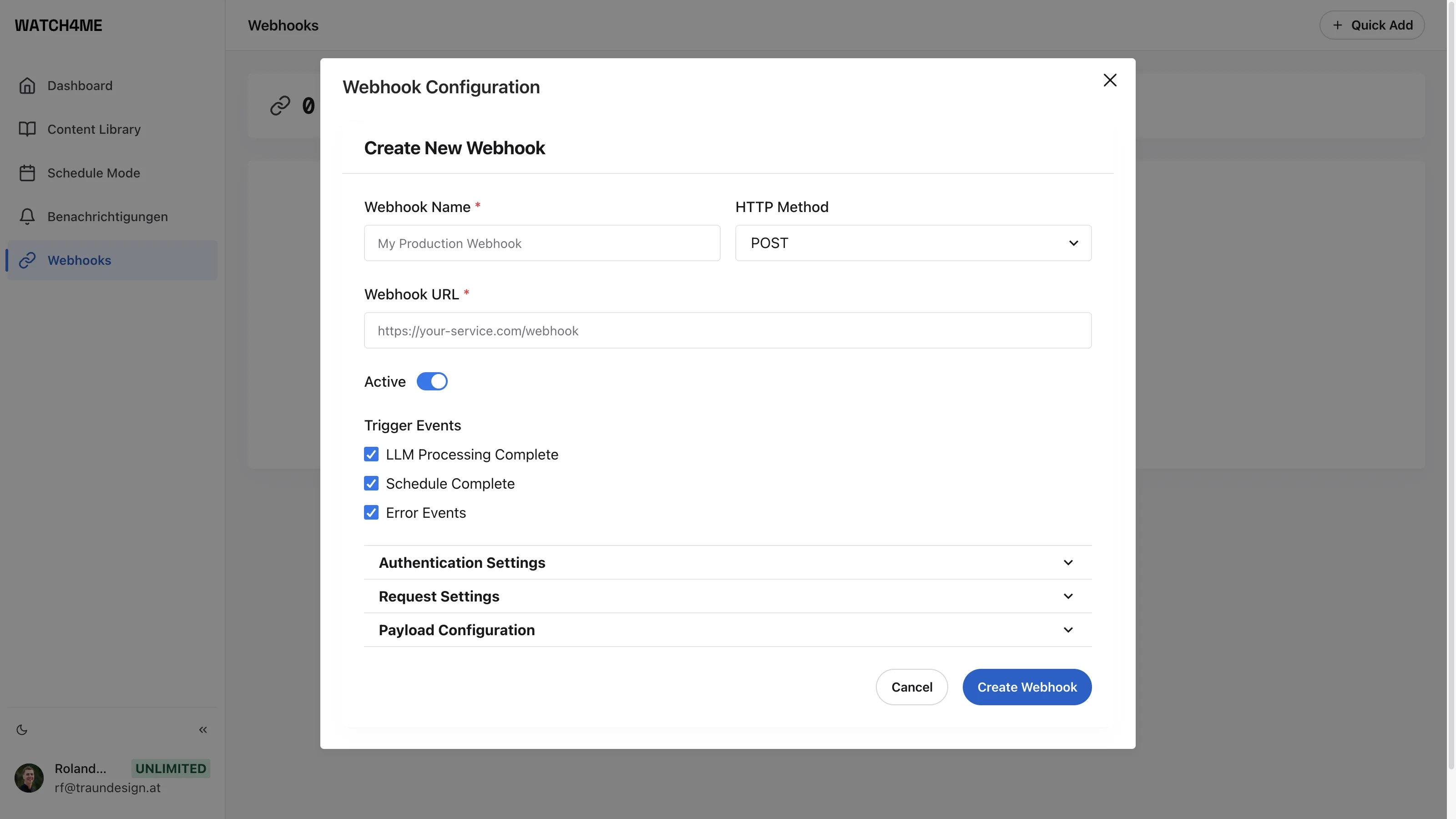
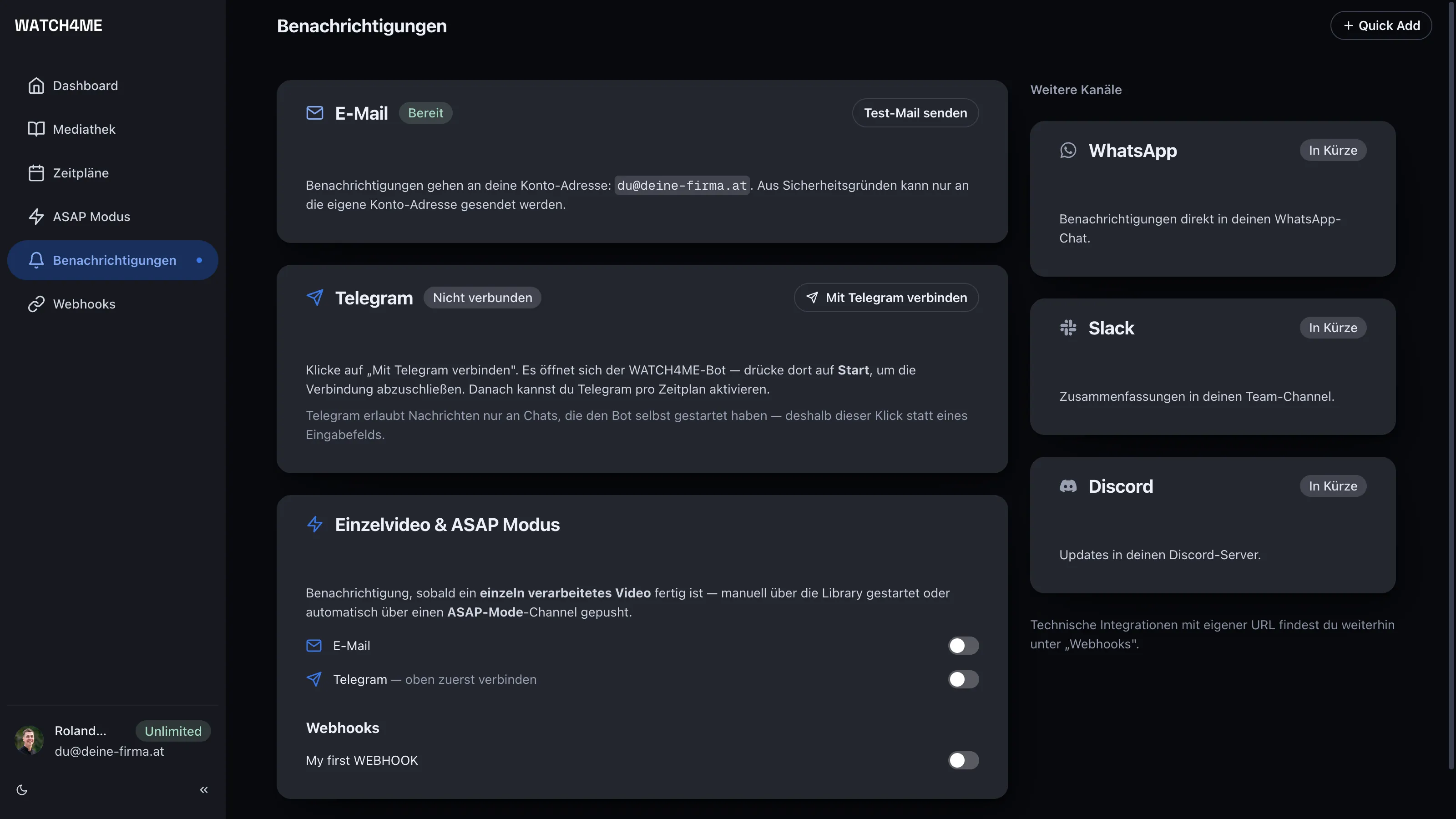
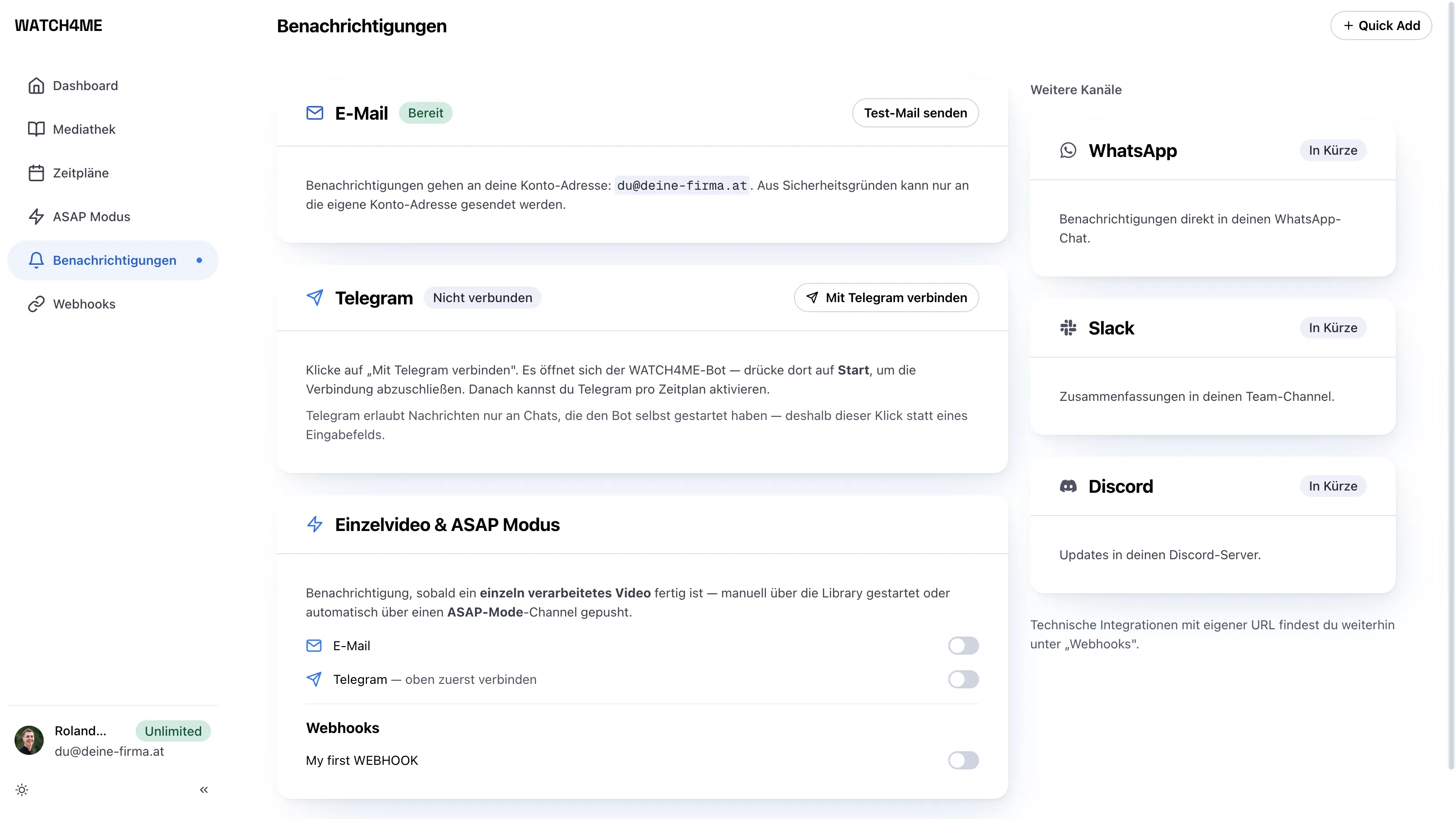
Under Notifications, results arrive by email at your account address, or on Telegram once you've connected the WATCH4ME bot. Want the summaries in Slack, Notion or your CRM? Open Webhooks, add a destination URL, and every result gets delivered there automatically. Payload details live in the Webhooks documentation.
That's It
You now have a pipeline that turns YouTube video into searchable text and AI insight — automatically.