Real Transcription
No auto-captions: every video runs through our own speech-to-text processing in studio quality — in English, German, French, Spanish and more.
W4M transcribes your favourite channels and delivers the essence. Fast and accurate, for sharper insights and better decisions.
Trusted by teams who ship
From new video to finished briefing — reliable, automatic, studio-grade.
No auto-captions: every video runs through our own speech-to-text processing in studio quality — in English, German, French, Spanish and more.
Distills every transcript into a summary, key topics and signals — guided by the focus you set, so you only read what matters to you.
Automatically deliver processed insights to your CRM, knowledge base or custom applications via secure, reliable webhook endpoints.
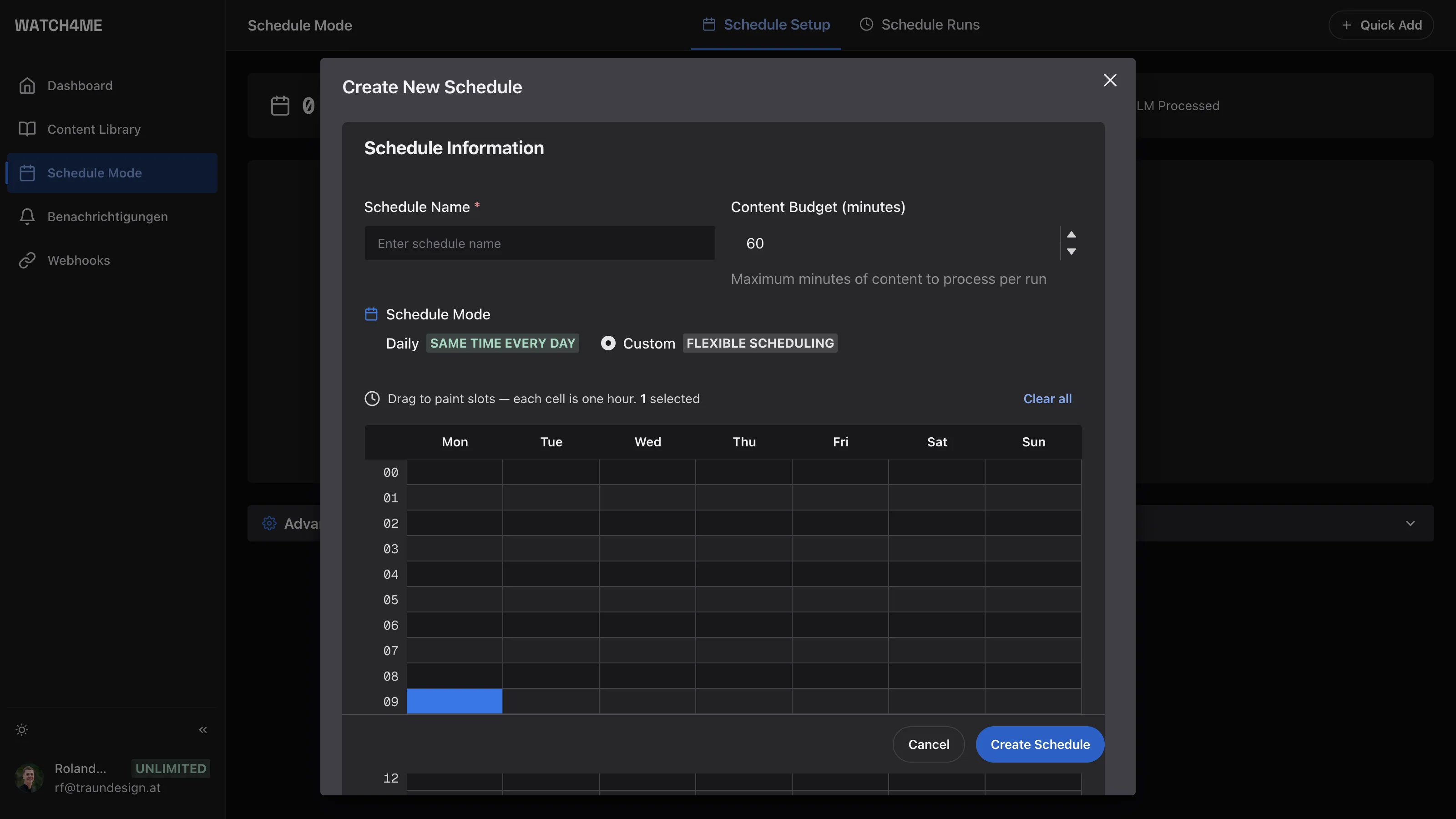
Your own industry newsletter: schedules watch your channels and deliver the briefing at the rhythm you set — daily, weekly or instantly.
Track processing metrics, monitor content trends and gain insights across all your YouTube channels with a comprehensive dashboard.
Built on Google Firebase with enterprise-grade security, authentication and data protection. Your content and insights stay secure.
Every result lands where you work — via webhook, as an email or a Telegram message.
 n8n
 Make
 Zapier
 Notion
 Telegram
 HubSpot
 Google Sheets
 Airtable
 Discord
 Google Drive
Anything with a webhook can be connected, including your own applications.
See how different teams use WATCH4ME for their media monitoring.
Four steps from your topics to a finished briefing — without watching a single video.
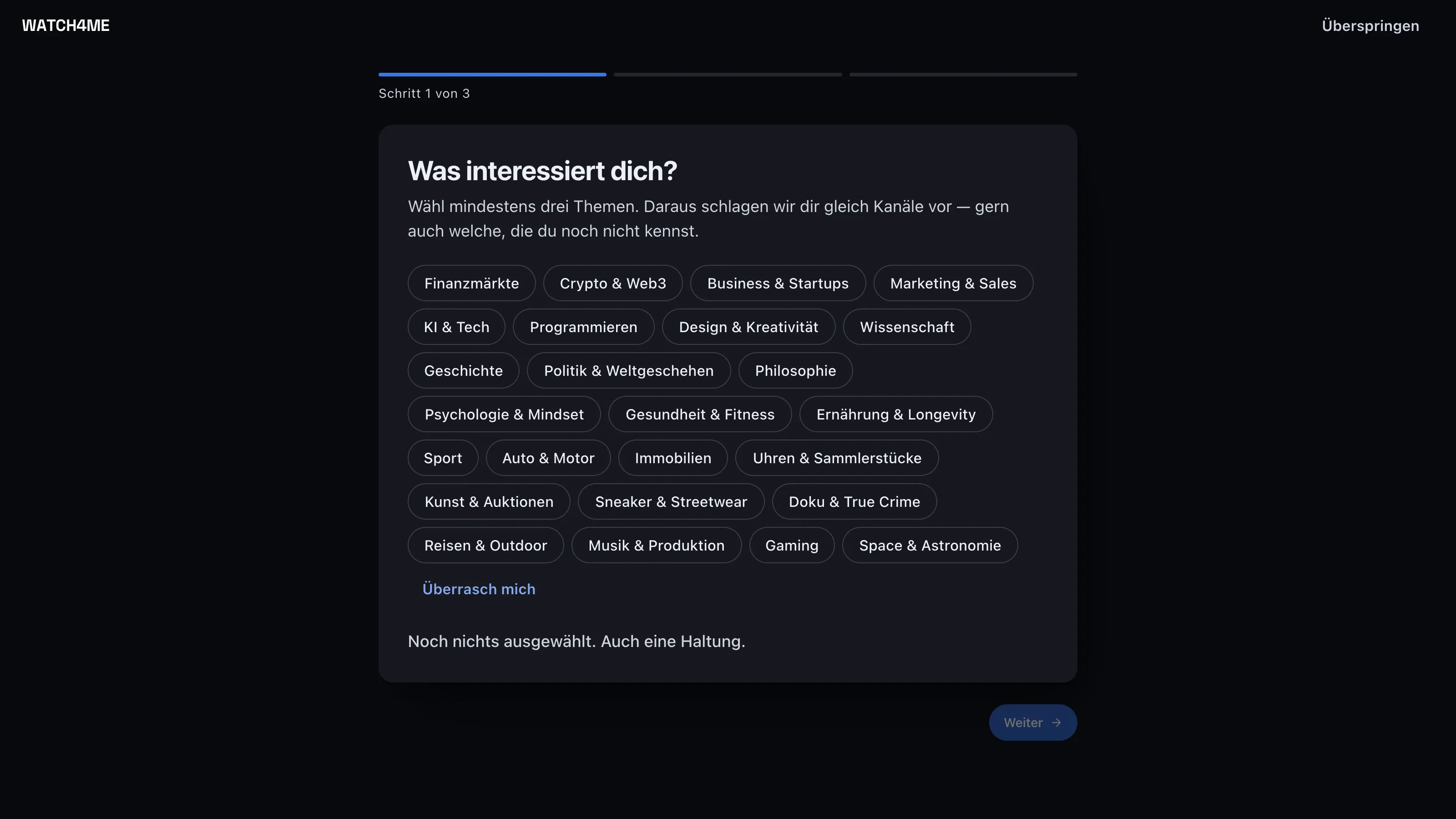
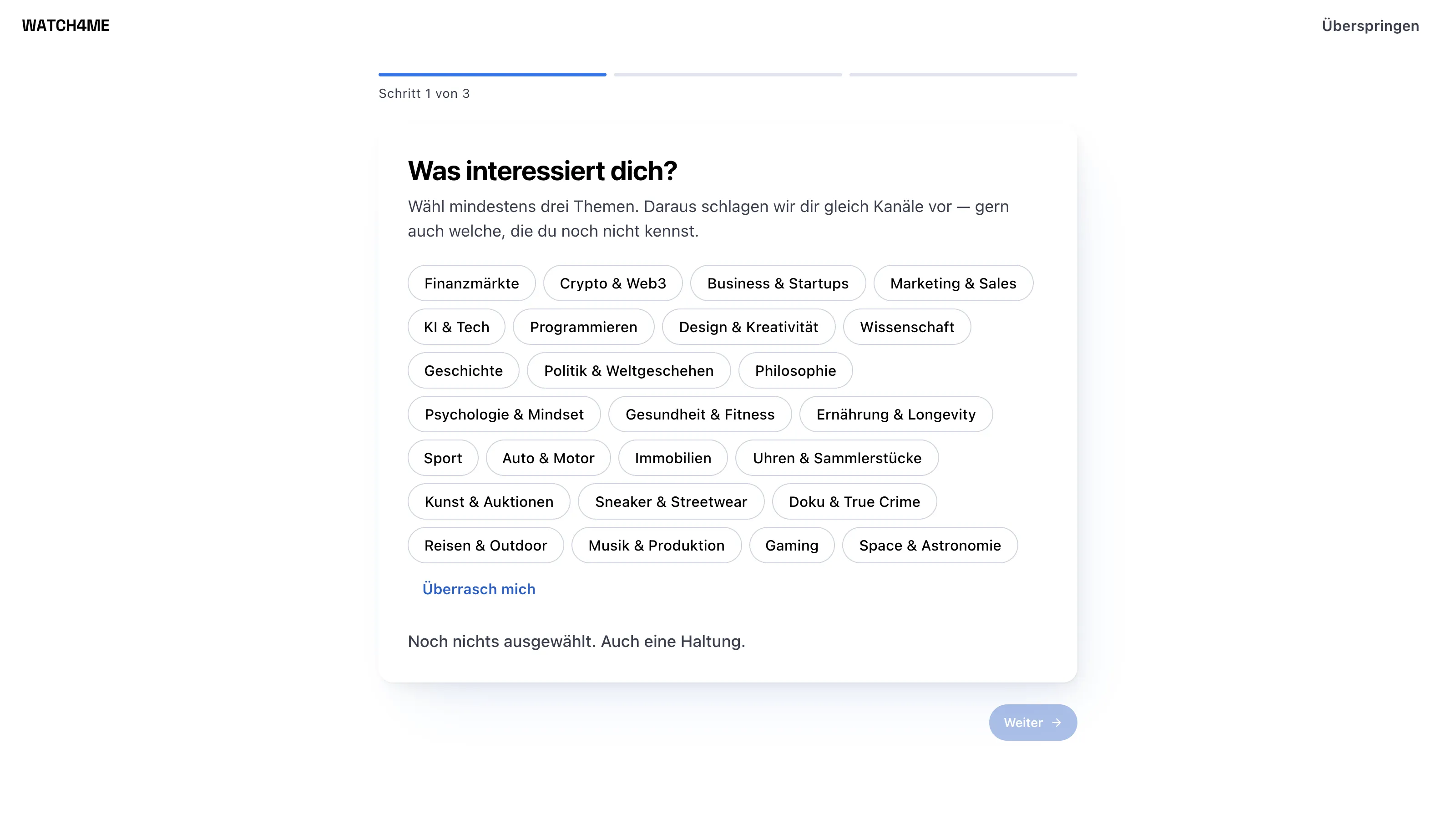
Tell it what you're into and when you like to read. WATCH4ME suggests matching channels — established ones and some you don't know yet — and sets up your first schedule along the way.
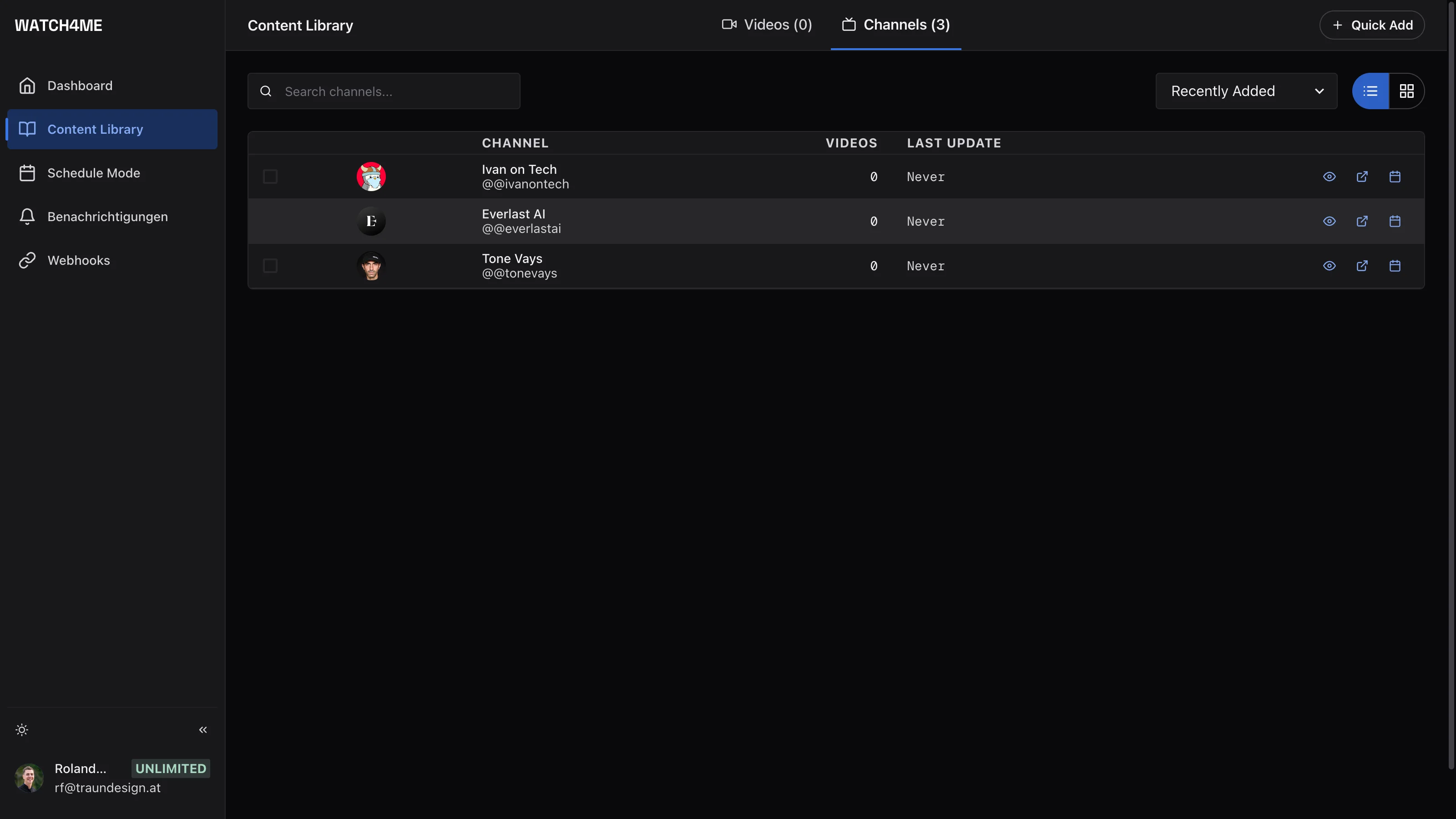
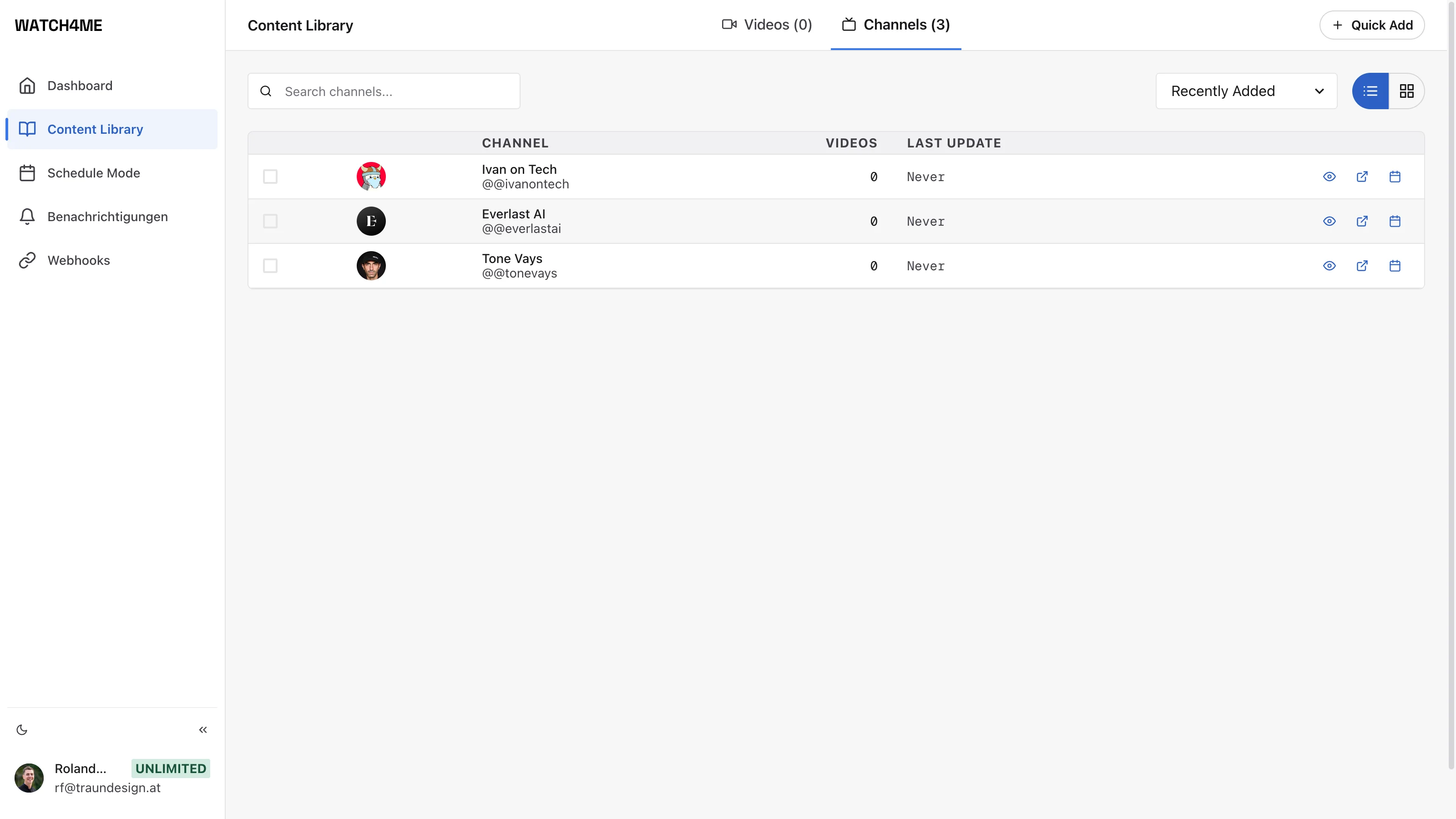
Watched channels report in on their own: the moment a new video appears, the newsroom gets to work — with real speech-to-text processing in studio quality instead of auto-captions.
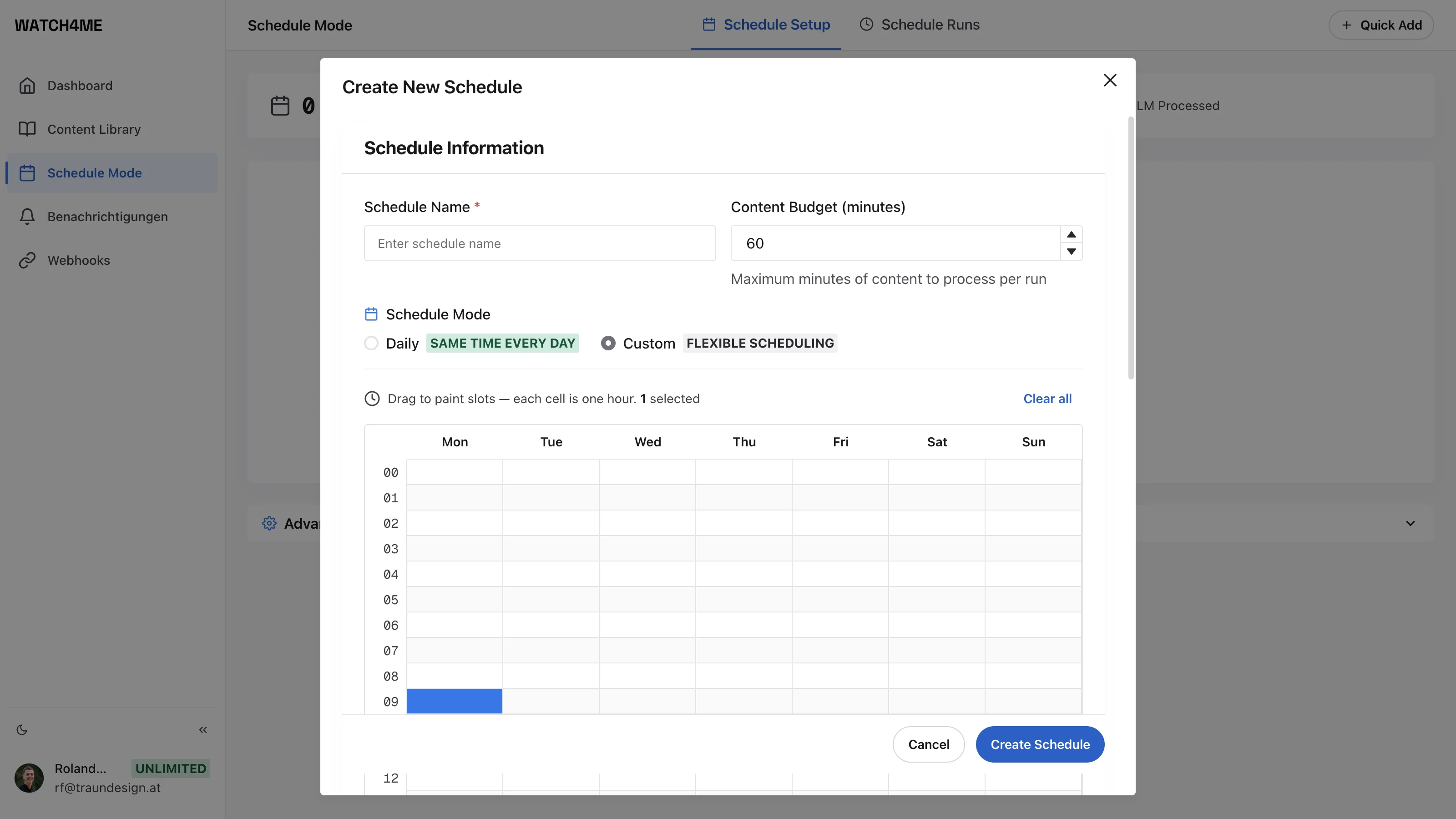
Every transcript becomes a clear summary: key statements, topics, signals — an hour of video turns into two minutes of reading. You set the focus; the newsroom sticks to it.
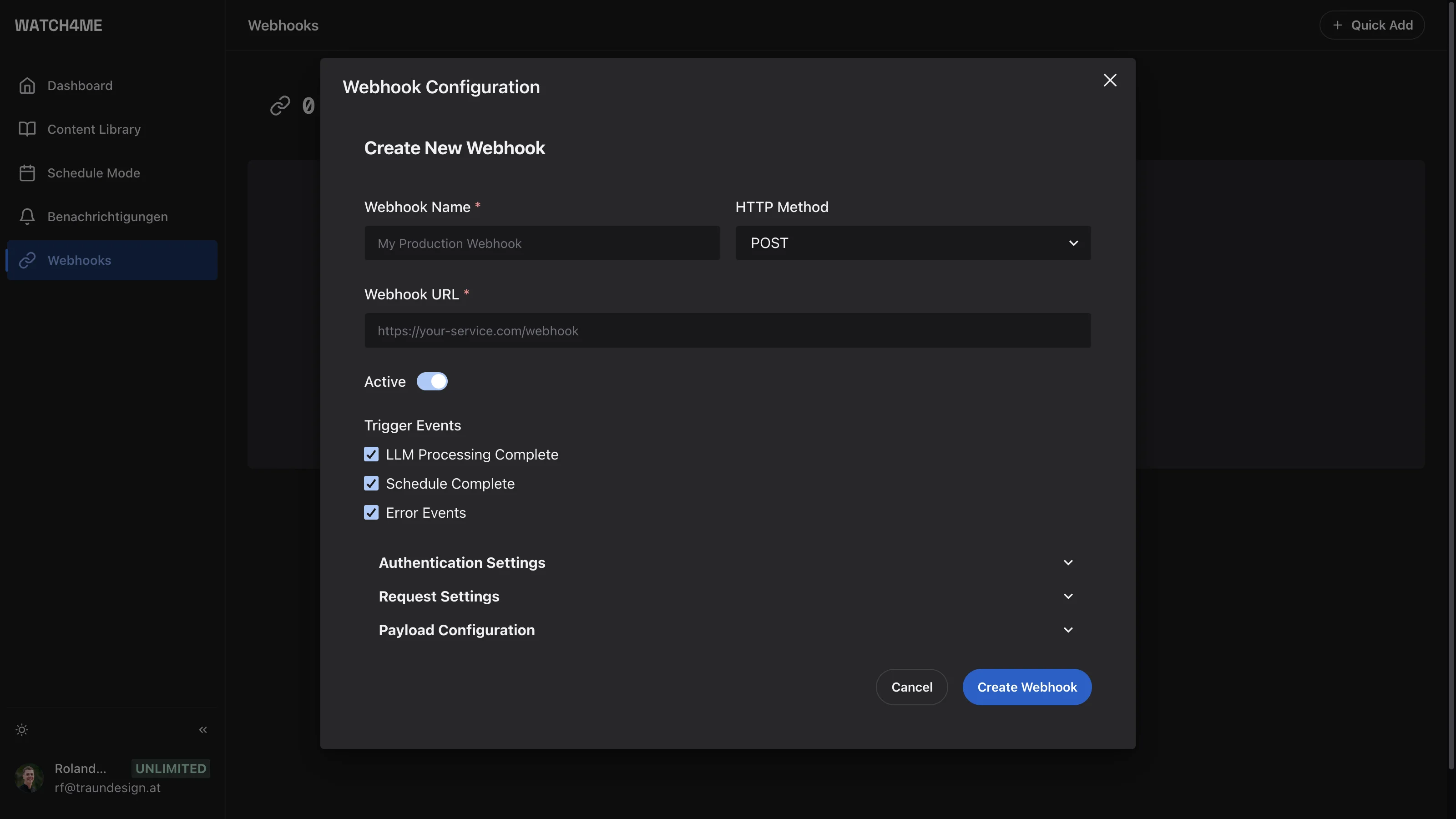
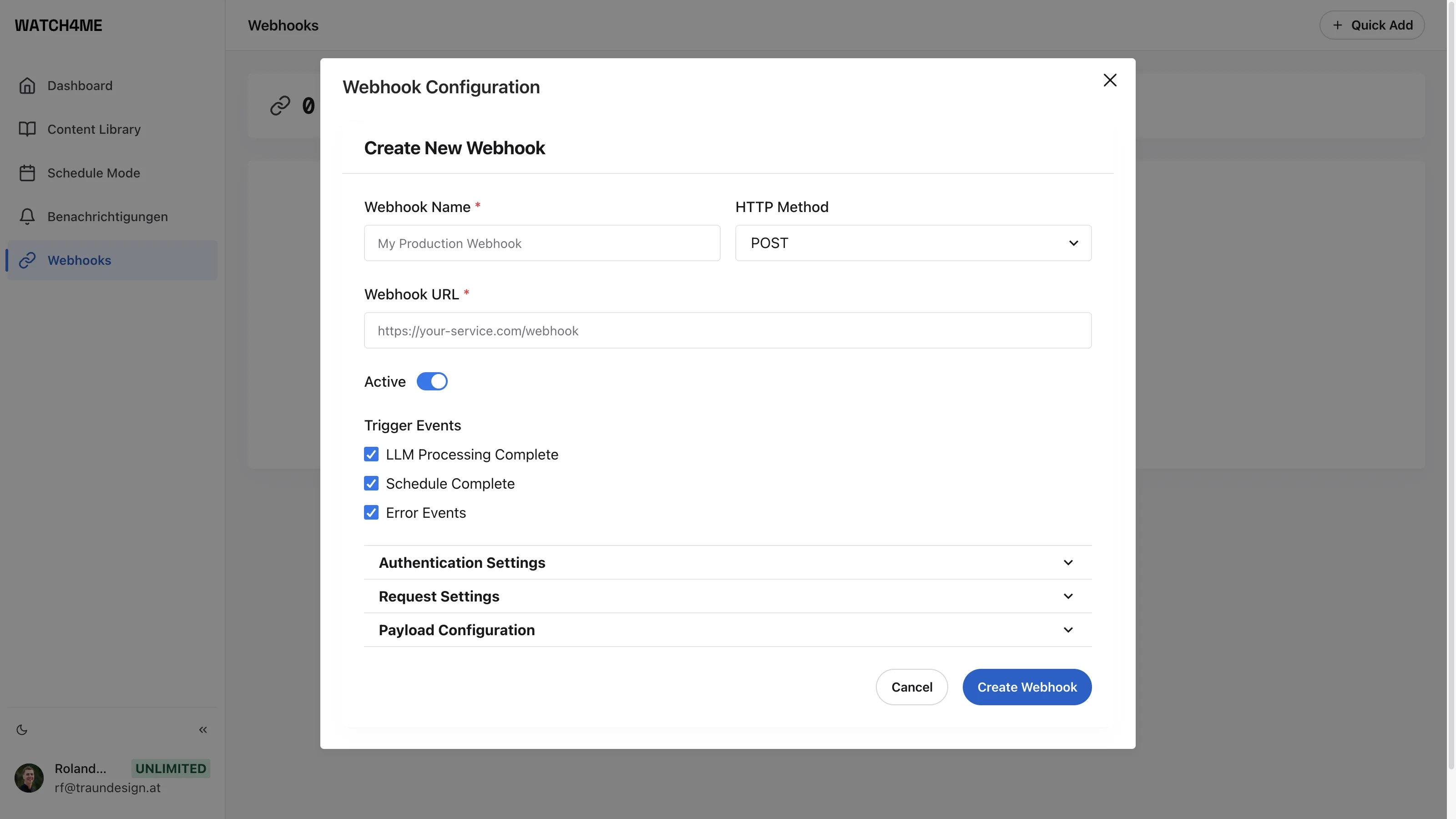
Build your own industry newsletter: which channels, what rhythm, what focus. The briefing lands in your inbox, on Telegram — or via webhook straight into CRM, Slack, Notion and your own systems.
Everything about media monitoring on YouTube with WATCH4ME.
WATCH4ME automatically detects new videos on the channels you watch and generates real, studio-quality transcripts through our own speech-to-text processing — we don't rely on auto-captions. Tested in English, German, French, Spanish, Polish, Japanese and more; transcripts are searchable and ready for analysis.
Yes. WATCH4ME distills each transcript into a concise summary with key topics and actionable insights — guided by the focus you set.
You set up a schedule for a channel, and WATCH4ME processes new videos as soon as they are published — for subscribed channels the summary is usually ready within minutes of upload, with no manual intervention.
Processed transcripts, summaries and insights are delivered to your own systems via secure webhooks — your CRM, knowledge base, Slack, Notion or any custom application.
No. WATCH4ME is a web application. You sign in, connect the videos or channels you care about, and it runs in the cloud.
WATCH4ME is built on Google Firebase with enterprise-grade authentication and data protection, so your content and insights stay private and secure.
Watch the channels that count and get briefings instead of backlogs — up and running in minutes.
Get started free